FAQs
Overseas games do not display the correct language based on local language settings
Problem Description
MG Ads SDK supports both Chinese and English. Except for Chinese (en-CN), all other language games display in English.
When switching the local language, the game's login interface does not switch to the corresponding language.
Solution
-
Ensure that at least the following two resource files exist in your VS project.
[
 ]
] -
Open the Package.appxmanifest file of the VS project and set the default language to en.[
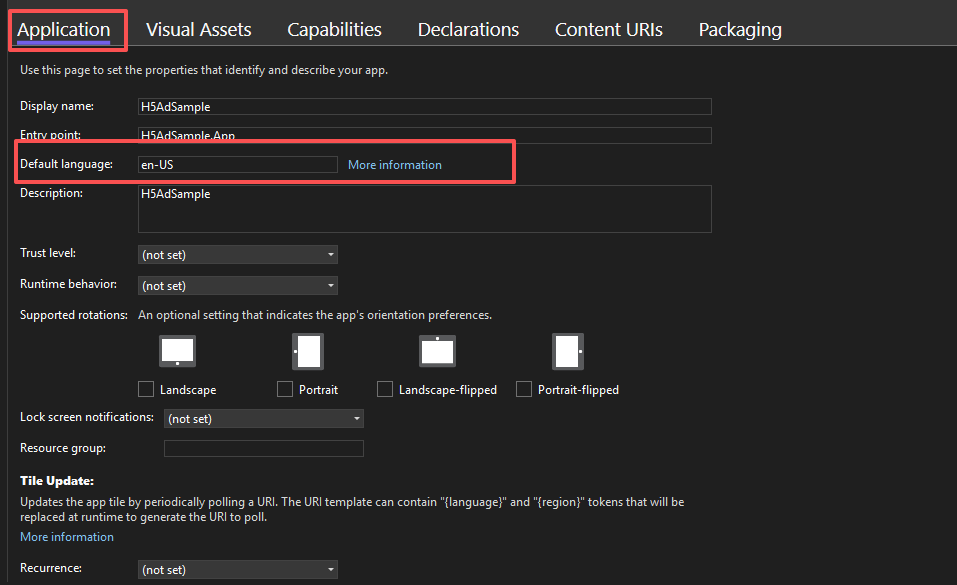 ]
]